

Imagine it is 1:30 AM on a Tuesday. Your teenager’s bedroom light is off, their smartphone is charging on the kitchen counter, and the house is perfectly quiet. On paper, your digital curfew is working. But then you walk past the family computer room and hear the faint, rapid tapping of a keyboard. They are logged into WhatsApp Web, quietly messaging friends or discussing the latest episode of The Last of Us on a desktop browser. This exact late-night digital curfew dilemma is a reality I hear about constantly from frustrated parents who realize physical device confiscation simply does not work anymore.
I have spent years evaluating digital safety tools, and I can tell you that the way families approach screen time is fundamentally broken. We focus heavily on where the physical device is or whether the screen is locked, ignoring the reality of multi-device, cloud-based messaging. If you are ready to move past basic screen timers and start understanding actual communication habits, here is a practical, step-by-step approach to using messaging metadata effectively.
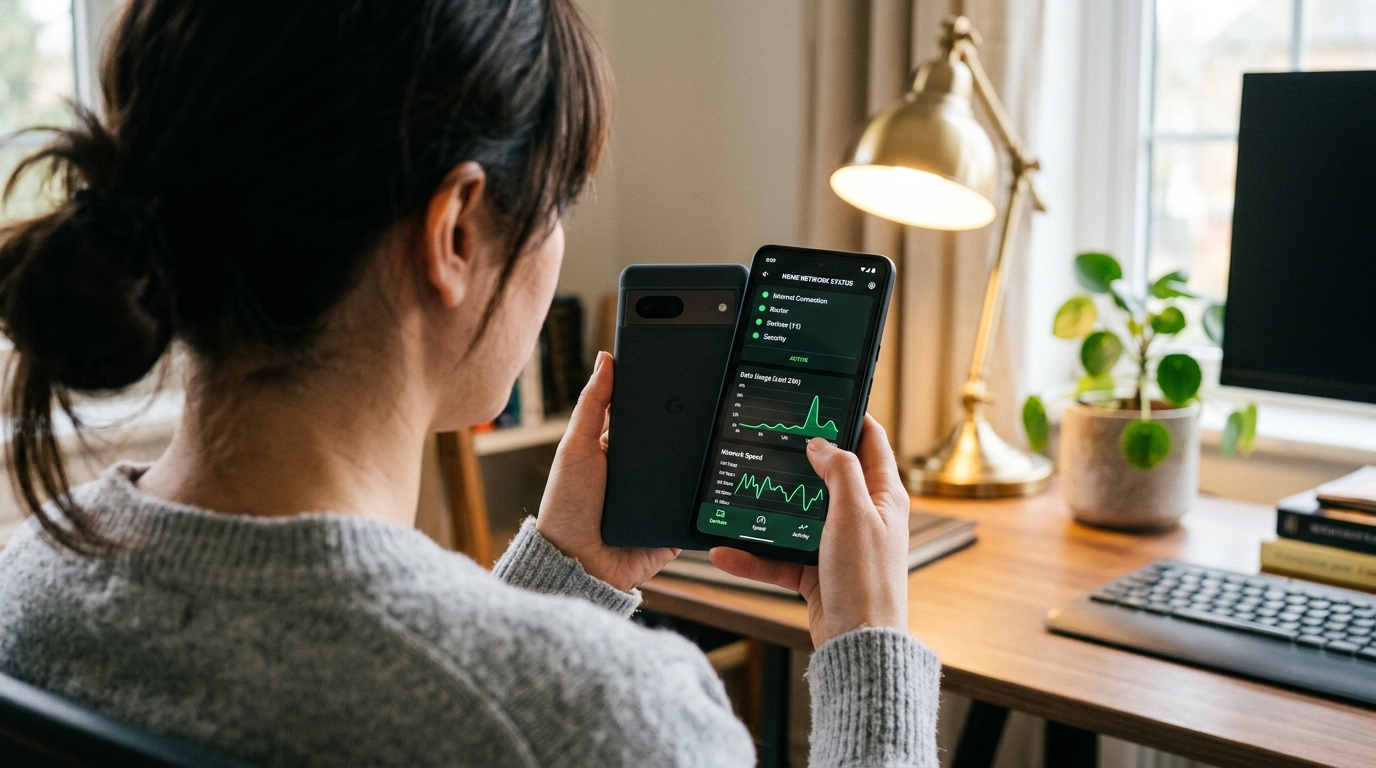
Step 1: Why Are Traditional Parental Controls Failing Us Tonight?
The first step in resolving any digital safety issue is evaluating the tools you currently rely on. Most parents start their journey with standard device management. You might install Google FamilyLink to lock out apps at bedtime or rely on an Android phone finder just to ensure the physical device hasn't left the house. These are excellent starting points for basic parental controls, but they have a massive blind spot: they track the hardware, not the user's cross-platform behavior.

Teenagers are incredibly resourceful. If a specific parental control blocks the primary WhatsApp application on their phone, they will simply pivot to a browser-based login like Telegram Web on a school laptop, or they might download modified third-party clients like GB WhatsApp to bypass standard visibility rules. When your existing tools only monitor a single piece of hardware, you lose all visibility the moment they switch screens.
Furthermore, the performance of the tools we use matters immensely. According to a 2024 technology analysis by industry analysts, 70% of users immediately delete sluggish or poorly optimized apps after their first try. Parents need fast, native performance to get real-time insights, not clunky interfaces that fail to sync when a child logs in on a secondary device.
Step 2: Who Actually Needs to Monitor Online Activity?
Before implementing any tracking solution, you must define your specific use case. Tracking should never be about arbitrary control; it should be about addressing a specific safety or health concern.
Who benefits most from online activity tracking?
- Parents of chronically sleep-deprived teens: If your child is struggling to wake up for school, identifying whether they are active on the Telegram app at 3 AM is crucial for establishing healthier boundaries.
- Families managing unknown contacts: Sometimes a phone lookup or a reverse phone number lookup gives you a name, but it doesn't tell you when or how often your child is interacting with that contact.
- Guardians transitioning away from strict device locks: As kids get older, reading their private messages is highly invasive. Monitoring activity patterns offers a middle ground, allowing you to ensure they are sleeping without violating their conversational privacy.
Who is this NOT for? If you are looking to micromanage your employees or spy on a spouse, these methodologies are entirely inappropriate. Activity monitoring in the context of this guide is strictly an educational and family safety measure aimed at minors.
Step 3: What Makes Metadata Tracking the Logical Next Step?
When you realize that physical location and device locks are insufficient, the logical progression is analyzing metadata. This is the core concept behind modern digital awareness. Seen: WA Family Online Tracker is an application designed specifically to analyze WhatsApp and Telegram last seen and online status patterns, helping parents monitor digital messaging habits without compromising the actual content of the conversations.
Instead of demanding your child's passwords, you simply observe the publicly available status indicators. When do they come online? How long do their messaging sessions last? Is their "last" timestamp aligning with the time they said goodnight?
Interestingly, public perception around tracking is maturing. A recent 2023 Mobile App Trends report by Adjust revealed that App Tracking Transparency (ATT) opt-in rates have steadily increased among iOS users. The data suggests that when tracking provides genuine, transparent value—like securing a family's digital environment—people are far more willing to engage with it. You aren't spying; you are utilizing behavioral data to parent more effectively.
Step 4: How Do You Set Up Practical First-Use Scenarios?
Setting up your first monitoring scenario requires a focused approach. Do not attempt to track every single application at once. Start with the platforms where the majority of peer-to-peer communication happens.
First, identify the primary messaging channels. If your teenager uses WhatsApp for school groups and Telegram for gaming friends, add those specific profiles to your tracking dashboard. The goal is to establish a baseline of normal behavior. For the first 48 hours, do not confront your child about the data. Just observe. Look for specific windows of continuous activity. Are they logging in for brief two-minute bursts, or are there continuous hour-long sessions long after the house has gone to sleep?
If you notice late-night activity, check the source. Sometimes, kids leave a browser tab open, which might falsely report them as active. However, repeated "seen" indicators bouncing back and forth between active and inactive usually indicate an active conversation. This is where tools designed by experts—such as the ParentalPro Apps ecosystem—provide the reliability required to distinguish between a background sync and genuine late-night typing.
Step 5: How Do You Interpret the Data Without Invading Privacy?
Having data is useless if you do not know how to contextualize it. A single late-night online timestamp is an anomaly; a consistent pattern of 2 AM messaging is a necessary conversation starter.
When you sit down with your teenager, focus on health, not punishment. Instead of saying, "I know you were on WhatsApp at midnight," try framing it around their well-being. "I've noticed you seem really exhausted in the mornings lately, and it looks like you might be having trouble disconnecting from your chats at night. How can we fix this?"
As experts like Mert Karaca have explained regarding digital curfews, the ultimate goal of monitoring isn't to catch your kids doing something wrong. It is to teach them how to regulate their own digital lives. By focusing entirely on activity patterns rather than message content, you maintain a foundation of trust. You are proving that you respect their privacy enough not to read their texts, while still exercising your responsibility to ensure they get enough sleep to function.
Transitioning from basic device locks to intelligent metadata analysis takes a shift in perspective. But once you stop worrying about which physical device is in their hand and start focusing on their actual online behavior, building healthy digital boundaries becomes a much clearer, more achievable goal.