

According to the recent Adjust Mobile App Trends 2026 report, App Tracking Transparency (ATT) opt-in rates among iOS users have continued to climb, signaling a major cultural shift in how people view their digital footprints. As families try to build better digital boundaries, simply trying to locate a device or relying on strict locks is no longer the definitive answer. Effective digital safety now requires understanding exactly when and how cross-platform messaging apps are being used. I have spent years evaluating digital safety tools, and the parental monitoring toolkit is undergoing a necessary transformation.
The Data-Driven Reality of Modern Screen Time
We are living through a period where applications are explicitly designed to maximize user retention. The Adjust report highlights that the mobile industry is currently processing billions of data points to optimize engagement. For instance, everyday utility and finance apps saw an 8% increase in session lengths recently. This means our children are growing up in an environment highly optimized to keep their eyes on the screen. Because of this, traditional parental controls often feel like trying to stop a flood with a chain-link fence.
I frequently speak with parents whose first instinct, upon seeing an unfamiliar notification, is to use a reverse phone number lookup or search through online directories. They might look for a free telephone search service just to figure out who is messaging their child late at night. While these tools satisfy immediate curiosity, they are entirely reactive. Finding a name via a people lookup site does not solve the underlying issue of late-night screen habits or disrupted sleep patterns.
Why Are Standard Location Tools Falling Behind?
For a long time, the benchmark for family safety was physical location. Parents felt secure knowing they had an active android phone finder installed, or they relied on Google FamilyLink to verify that their child was safely inside the house. But physical location provides a false sense of security in the context of digital wellness.
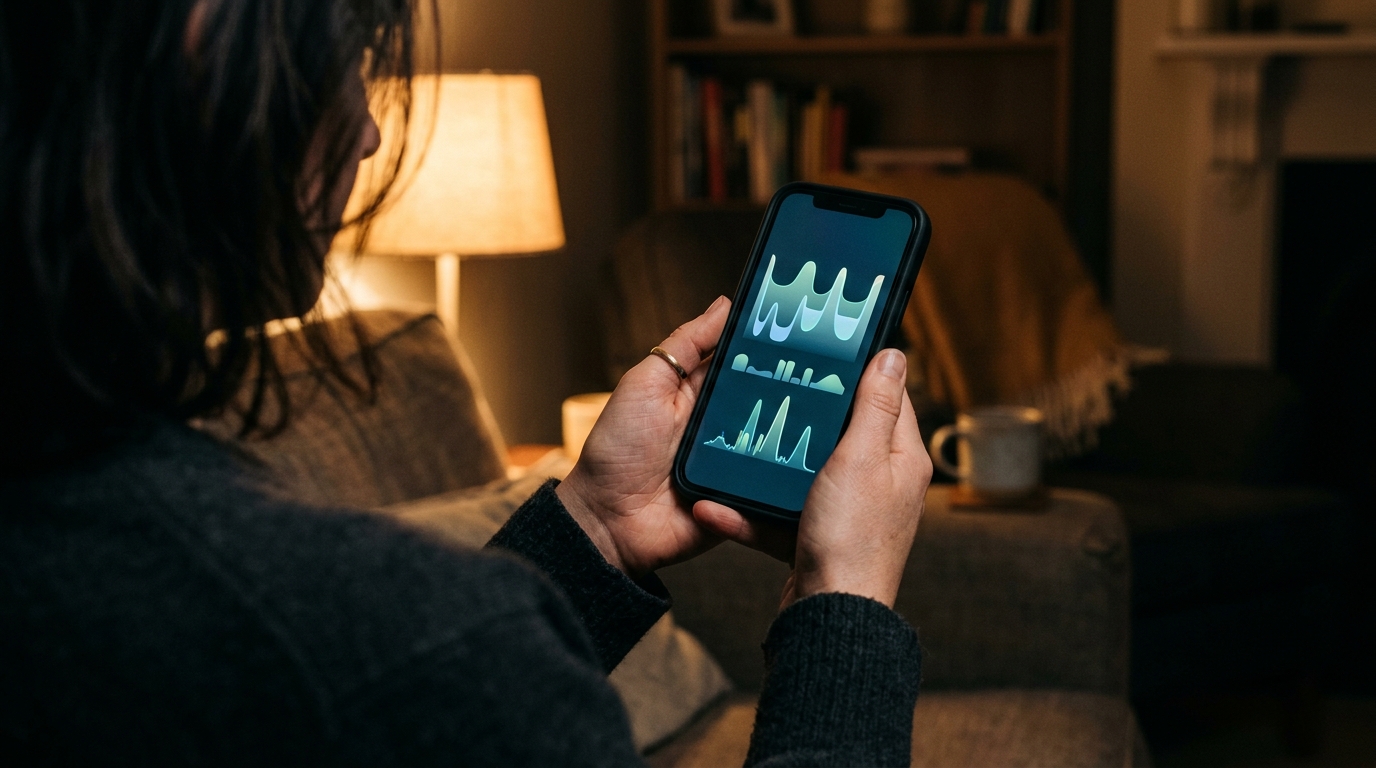
Knowing a smartphone is sitting on a nightstand does not tell you if your teenager is fast asleep or engaged in a fast-paced Telegram chat until the early hours of the morning. Physical tracking answers "where," but behavioral tracking answers "how." We need to transition from tracking coordinates to understanding digital habits. My colleague Deniz Yılmaz has often emphasized this transition, noting that establishing healthy conversational boundaries is more effective than just building digital fences.
Moving Past Reactive Searches to Behavioral Awareness
If a simple number search is a reactive measure, what does a proactive strategy look like? It involves understanding the rhythm of your family's digital life. Instead of acting as a detective trying to identify every missed call, parents are increasingly looking at overall messaging activity trends.
This is where tools specifically designed for metadata awareness come into play. If you want to establish healthier nighttime routines without confiscating devices, Seen: WA Family Online Tracker's ability to map WhatsApp and Telegram activity is designed for that exact purpose. It allows parents to see the online intervals and duration of messaging sessions. This application tracks last seen and online status for major messaging platforms, built specifically for guardians trying to manage family screen time. It is important to note who this is NOT for: it is not designed for corporate surveillance or distrusting partners. It is a family wellness tool meant to facilitate open conversations.
To explore the breadth of applications shaping this space, you can view the suite of ParentalPro Apps, which focus on practical, AI-assisted tools for modern families managing these complex communication habits.
Questions I Hear Often About Digital Activity
When I conduct workshops on family digital wellness, I encounter the same practical questions regarding how to implement these concepts without alienating children. Here are the most common concerns.
Should I still use a phone lookup tool for unknown numbers?
Yes, an occasional search can be useful for identifying a genuinely suspicious caller. However, it should not be your primary strategy. If you find yourself constantly investigating every ping, the real issue is a lack of transparency regarding your child's contacts. Address the communication habit rather than the individual digits.
How do I explain online tracking to my teenager?
Honesty is the only policy that works. Frame it around wellness and sleep hygiene. Explain that you are not reading their messages—because activity trackers cannot see content—but you are monitoring "last seen" data to ensure they are disconnecting and resting. It is about setting a digital curfew, not invading private conversations.
Selecting the Right Approach for Your Family
When evaluating how to manage your household's devices, look at the specific problem you are trying to solve. Are you trying to prevent app installations? Traditional parental controls are appropriate. Are you trying to ensure they arrive at football practice safely? An android phone finder is perfectly suited for that.
But if your primary concern is the silent, pervasive issue of endless scrolling on platforms like WhatsApp and Telegram, you need an activity tracker. The decision criteria should always center on privacy, ease of use, and platform support. The transition happening in 2026 is clear: we are moving away from heavy-handed device lockouts. By focusing on messaging patterns rather than physical locations, we can start building digital habits that promote genuine well-being.